Smart Search & Discovery Demo
Frequently Asked
Questions
Frequently Asked
Questions
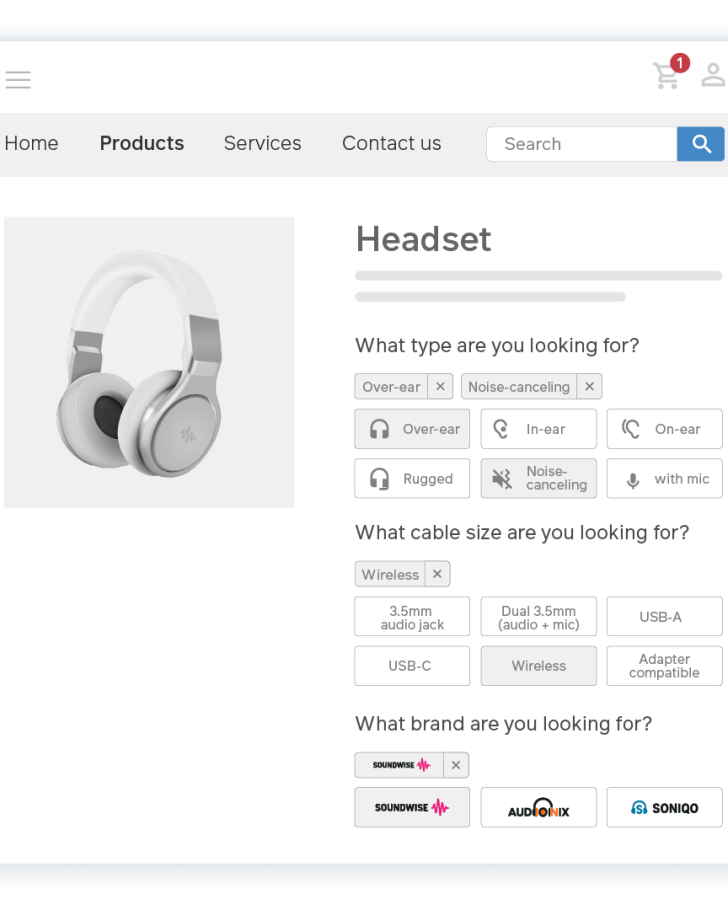
All ERP and PIM fields can be used to configure search & filtering. As products are updated in the ERP, their fields will be updated on the web store on an automatic schedule.
Updates can be scheduled to run as frequently as the user needs.
Toggle the features you need in Sana Admin → Setup → Search & Filters.
Synonyms lets you extend the findability of your products by tagging similar words to your products. These can be unidirectional or bidirectional – ensuring relevant search results.
In Sana Admin, you increase or decrease the rank of a keyword from low to maximum, which will raise or lower the products surfaced depending upon the boost levels.
No, you can bulk import synonyms via CSV.
Explore Other
Demos
Explore Other
Demos
See how business like you
drive scalable growth.

Ramböck Florentine
E-Commerce Manager at PALFINGER
80%
85%
200%

PALFINGER's
Digital Commerce Advancements
PALFINGER's
Digital Commerce Advancements
Since the implementation of Sana Commerce Cloud (SCC), PALFINGER’s e-commerce journey has witnessed remarkable strides in both growth and operational efficiency.

Robin Sørensen
Engineering & IT Manager, Partech
30%
90%
3

Web Traffic Up. Revenue Up. Future-Proofed for Digital Growth.
Web Traffic Up. Revenue Up. Future-Proofed for Digital Growth.
Although not 100% of sales are currently completed online, Partech’s investment in digital commerce is paying off significantly. Their web store has become the single most important driver of new business, with nearly every new customer originating from online discovery

Fabian Lutz
Chief Digital Officer at JENSEN-GROUP
30%
23%
15

Launching Multiple Webstores in Record time
Launching Multiple Webstores in Record time
The impact of Sana Commerce was immediate. JENSEN-GROUP was able to launch 15 webstores in just 9 months, achieving quicker time to value with a platform that supported rapid international expansion.
![A2BConnect_160x49px[1]](/sites/default/files/styles/w346/public/media_import/A2BConnect_160x49px1.png?itok=q3888xfb "A2BConnect_160x49px[1]")
Mitchell Suckling
CTO HG Group
7%
21.1

Streamlining operations and boosting growth
Streamlining operations and boosting growth
With Sana Commerce Cloud, Attach2 launched an MVP web store in just three weeks, quickly realizing value from the platform and setting the foundation for long-term digital growth.

David Oblak
Head of Digital Transformation at KWB
30%
4-5%
3

Transforming Productivity and Enhancing Customer Satisfaction
Transforming Productivity and Enhancing Customer Satisfaction
KWB’s centralized e-commerce platform has redefined how their business operates, delivering improved efficiency, streamlined processes, and an enhanced customer experience.