Handle order changes minus the chaos: Introducing Sana Pay
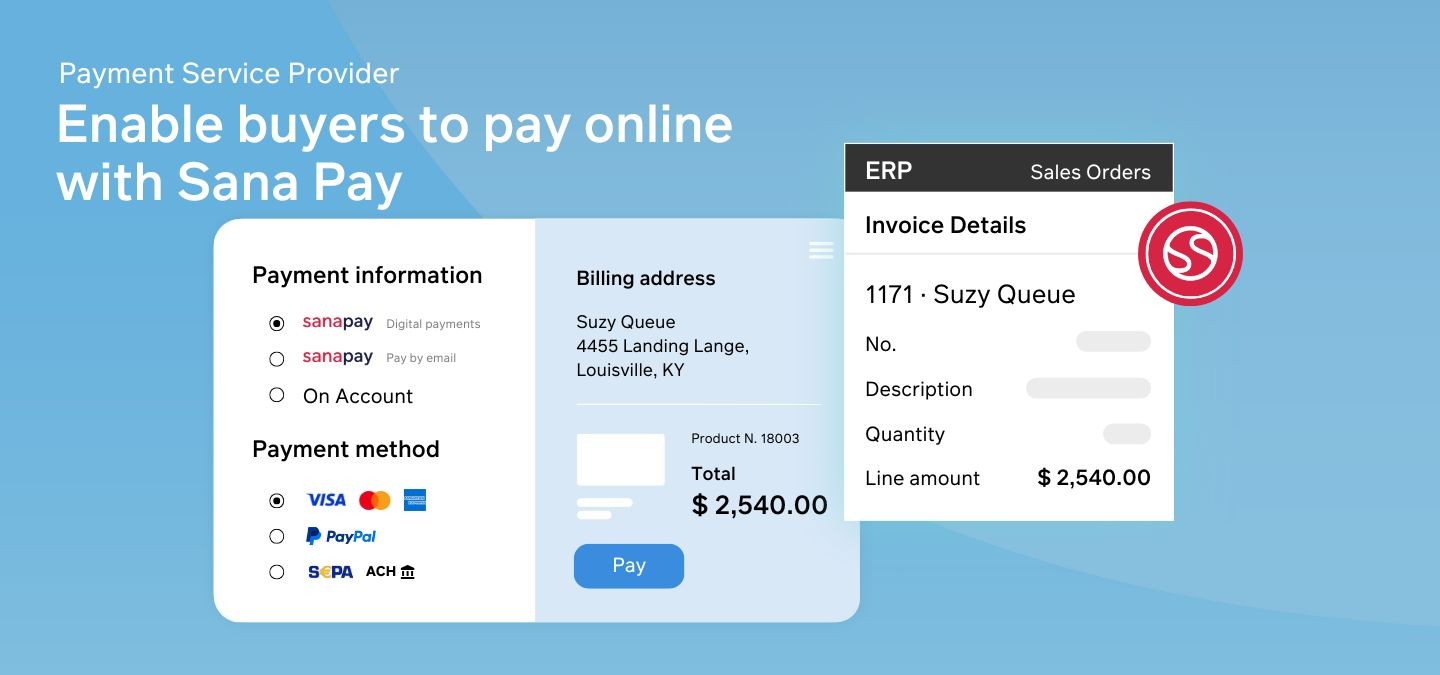
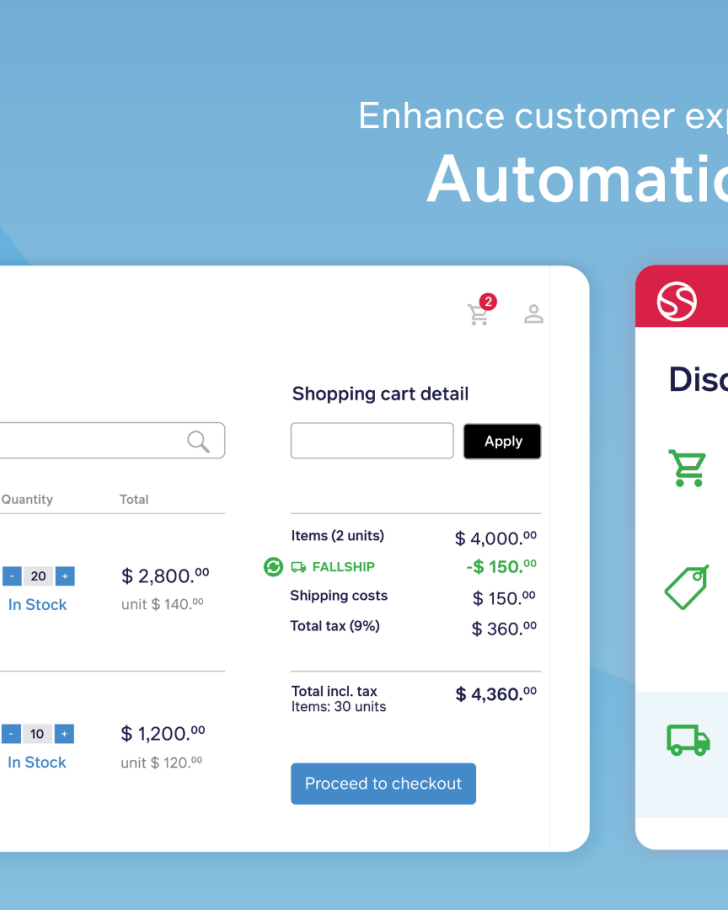
When an international supplier rush-ships cast-iron fittings, about 30% of those orders get upgraded on the fly—extra freight charges here, a few line-item tweaks there. With Sana Pay, the sales rep can take the original card payment right in the web-store checkout, offer whatever local or global method the buyer prefers, and send a one-click payment link to the project manager who needs it—all without bouncing to a third-party screen.
But the moment that expedite fee appears, the real magic is Sana Pay+. It automatically bumps the authorization to the new total, renews it if the shipment splits over a few days, and writes the capture—and any later refund—straight back to Microsoft Dynamics, creating the journal for finance while it’s at it.
In other words, Sana Pay gets the payment in the door; Sana Pay+ keeps it perfectly in step with every change that follows—no canceled orders, no spreadsheet gymnastics, and no funds stuck on a customer’s card.
The problem
The problem
Even the smoothest B2B checkout can stumble before the money clears. A few blockers pop up again and again:

Sending customers to an external gateway can feel jarring, invite errors, and tank conversion.

Quantity tweaks or expedite fees force finance to void and recreate charges, slowing fulfillment.

When payment status lives outside your ERP, teams fill the gap with spreadsheets and guesswork.
The solution
The solution
There’s a simpler way, built right into Sana Commerce Cloud. Sana Pay handles the front‑end experience; Sana Pay+ automates everything that follows.

Sana Pay stays on‑page, accepts 35 + currencies and local methods, and lets buyers use stored cards or pay‑by‑link with no detours.

With Sana Pay+, authorizations adjust, renew, or release automatically, captures trigger when you choose, and refunds flow straight from a credit memo—zero manual re‑work.

With the Reconciliation Report feature, finance teams can automatically receive Adyen settlement reports directly in their ERP. This eliminates manual downloads and spreadsheet adjustments, ensuring the heavy lifting of reconciliation is already taken care of when your team starts their day.

When should you choose Sana Pay?
Sana Pay is perfect when your primary need is to simplify checkout and payment collection without complex order modifications:
Straightforward payment needs
If orders rarely change after checkout, Sana Pay provides a streamlined, easy-to-use checkout solution.
Seamless customer checkout
Ideal for businesses looking to enhance user experience by keeping checkout on a single page without third-party redirection.
Reconciliation eats up your finance team’s time
If you are processing high transaction volumes, manual reconciliation creates a bottleneck. Sana Pay standardizes settlement data, enabling faster financial closing cycles and removing the headache of manual net settlement calculations.

When should you choose Sana Pay+?
If any of these sound like everyday life at your company, the automation layer in Sana Pay+ will pay for itself fast:
Orders shift after checkout—often.
More than the occasional expedite fee? If 10‑30 % of orders change in value or ship in parts, you need authorizations that flex along with them.
Finance spends hours reconciling payments.
If your team is copy‑pasting capture IDs into Dynamics journals or hunting refunds in a separate portal, auto‑journaling and refund sync will save days each month.
Cash flow hinges on timely capture.
Long production cycles or partial shipments mean you can’t always capture at checkout. Sana Pay+ keeps authorizations valid and triggers capture exactly when goods leave the dock—no manual touch.
How to configure Sana Pay
One of the advantages of Sana Pay is that you don’t have to figure it all out yourself. Most of the setup is handled by a Sana product specialist or service consultant during your onboarding. Here’s what to expect:
Apply for a live Sana Pay account
We guide you through the application and confirm the payment methods you want to offer (cards, wallets, bank transfers, etc.).
We configure the essentials
Our team sets up your merchant account, links your Sana Commerce Cloud webstore to Sana Pay, and connects the correct regional endpoint so checkout and payment updates stay in sync.
API credentials and notification settings
We generate the API keys and set up webhooks that track every stage of each payment—authorization, capture, refunds, and more.
Review or create payment methods in Sana Admin
Log in to Sana Admin and enable the payment methods you’ve selected; they’re already tied to your merchant account and region.
Go live
Once everything is in place, start accepting payments through your webstore—on the pay-per-transaction model of Sana Pay or with the added license benefits of Sana Pay+. Either way, the tech is ready when you are.
Conclusion
Whether you’re dealing with mid-order changes, chasing down authorizations, or just tired of jumping between systems—Sana Pay brings everything under one roof. And with Sana Pay+, you can take that one step further by automating the messy parts most providers leave behind.
Not sure which setup is right for you?
Not sure which setup is right for you?
Our product specialists are happy to walk you through it—no jargon, no pressure.